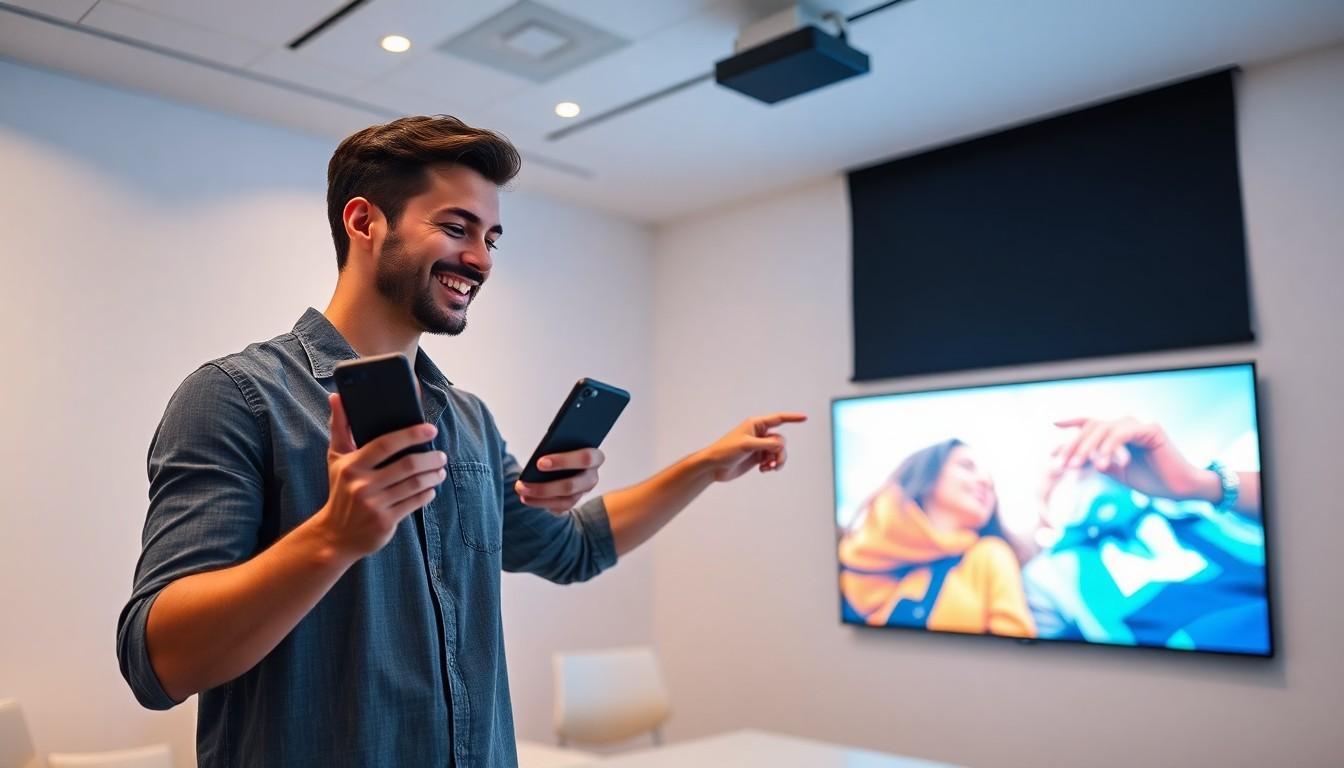
Imagine this: you’ve got a killer presentation or the latest blockbuster ready to dazzle your friends, but your iPhone’s screen feels like a postage stamp on the wall. Fear not! Mirroring your iPhone to a projector is easier than finding a cat video on the internet. With just a few taps, you can turn that tiny screen into a cinematic masterpiece or a boardroom showstopper.
Understanding iPhone Mirroring
iPhone mirroring allows users to display their device screen on larger screens like projectors. This functionality enhances presentations and entertainment experiences effortlessly.
What Is Screen Mirroring?
Screen mirroring refers to the process of duplicating a device’s display onto another visual output. This technique utilizes wireless technologies, such as AirPlay, or wired connections via adapters. It enables seamless sharing of images, videos, and apps directly from the iPhone screen. Users can view content simultaneously on both devices without additional setup. Mirroring is particularly useful in various settings, including classrooms, conference rooms, and home theaters.
Why Mirror Your iPhone to a Projector?
Projectors provide a larger platform for showcasing content, which benefits both presenters and audiences. Mirroring an iPhone to a projector enhances visibility and engagement during presentations. Educational institutions rely on this method for effective teaching, allowing students to focus on visual materials. Additionally, entertainment experiences improve significantly with larger displays for videos and games. This method also fosters collaboration by enabling multiple users to share their content in real time. Overall, projector mirroring transforms how individuals interact with their iPhone content, creating dynamic experiences.
Methods to Mirror iPhone to Projector

Various methods exist for mirroring an iPhone to a projector, enhancing the sharing experience for users. The three main methods include using Apple TV, HDMI cables, and wireless adapters.
Using Apple TV
Apple TV offers a seamless way to mirror an iPhone to a projector. Users connect Apple TV to the projector via HDMI. After connecting, they access the Control Center on their iPhone and select “Screen Mirroring.” Choosing the Apple TV from the list instantly displays the iPhone content on the larger screen. This method benefits from its wireless capabilities, allowing users to move freely while presenting.
Using HDMI Cable
Using an HDMI cable provides a straightforward method for mirroring. Users require a Lightning to HDMI adapter to connect their iPhone directly to the projector. After plugging in the adapter, they connect the HDMI cable to the projector. Content from the iPhone displays immediately on the projector screen. This method delivers a reliable connection with excellent image quality, making it ideal for critical presentations.
Using Wireless Adapters
Wireless adapters offer flexibility for mirroring an iPhone to a projector. Users can opt for adapters like Chromecast or MiraScreen, which connect to the projector’s HDMI port. Setting up the adapter follows a simple configuration process. Users then access the multimedia content on their iPhone through supported apps. Such adapters enable wireless streaming, suiting users who prefer a cable-free setup.
Troubleshooting Common Issues
Troubleshooting common issues can enhance the experience of mirroring an iPhone to a projector. Users often encounter challenges, but understanding solutions makes the process smoother.
Connection Problems
Connection problems might arise during mirroring. Users should verify the projector is powered on and set to the correct input source. Restarting the iPhone can also resolve connectivity glitches. Checking that both devices are connected to the same Wi-Fi network is essential for wireless setups. Additionally, updating the iPhone’s operating system may resolve compatibility issues. Sometimes, using a different adapter or cable can rectify these problems. If issues persist, consider resetting the network settings on the iPhone as a final resort.
Audio Issues
Audio issues commonly occur when mirroring an iPhone to a projector. First, users should ensure the projector’s volume settings are adjusted properly. Checking the audio output settings on the iPhone is crucial; selecting the correct output option can resolve sound problems. Sometimes, restarting the projector or switching audio cables might help restore sound output. If the projection method supports audio, confirm the adapter or wireless device supports audio transmission. Consulting the projector’s manual can provide additional troubleshooting tips specific to audio issues.
Benefits of Mirroring to a Projector
Mirroring an iPhone to a projector offers numerous advantages. Users experience significant improvements in how they consume media and present information.
Enhanced Viewing Experience
Larger displays contribute to a more enjoyable viewing experience. Screen mirroring to a projector delivers vibrant colors and sharp images, which elevate multimedia presentations. Users can easily showcase photos and videos in a way that smaller screens cannot match. The increased size fosters a more immersive environment, making content more engaging for viewers. Projectors accommodate varied spaces, from small rooms to large auditoriums, enabling flexibility in providing optimal viewing experiences. Utilizing a projector also enhances collaborative efforts, allowing attendees to share ideas and insights without straining to see smaller screens.
Ideal for Presentations
Presentations benefit significantly from mirroring an iPhone to a projector. Improved visibility captures audience attention more effectively, ensuring that information is conveyed clearly. Projectors facilitate interaction, as presenters can move freely and engage with their audience while displaying content. The ability to seamlessly present slides, videos, or applications creates a professional atmosphere. With the convenience of connecting wirelessly, presenters minimize distractions and technical difficulties. Clear visuals also aid in retaining audience interest and enhancing information retention. Overall, mirroring transforms presentations into dynamic experiences, making them more impactful and memorable.
Conclusion
Mirroring an iPhone to a projector opens up a world of possibilities for sharing content in various settings. Whether for business presentations or home entertainment, the ability to display on a larger screen enhances visibility and engagement. Users can choose from multiple methods to suit their preferences and needs, ensuring a smooth and enjoyable experience.
By understanding potential challenges and their solutions, anyone can navigate the mirroring process with confidence. Embracing this technology not only elevates presentations but also transforms how individuals interact with their iPhone content, creating memorable moments for audiences. With the right setup, mirroring becomes an effortless way to showcase creativity and information effectively.